

Measure and Impact Expansion Revenue with Salesforce App Analytics
Quick App Analytics Recipe, for AppExchange ISVs growth
ByHarshvardhan

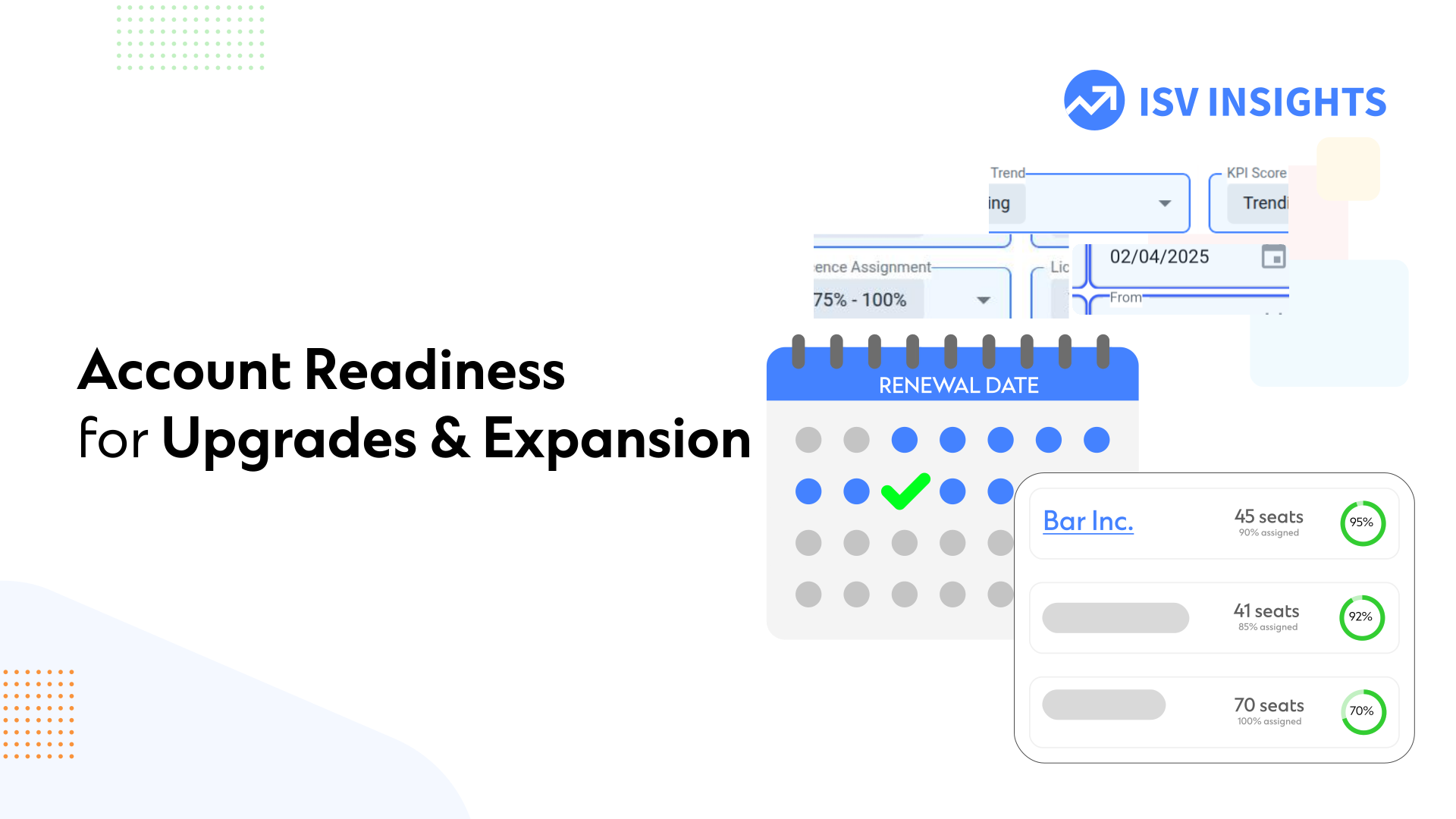
For leading B2B SaaS businesses, upsells or account expansion is where 40% of added revenue comes from. It’s important to Approach right customers at the right time to maximize the chances of upsell.
How do we identify which accounts are the right fit for an expansion or an upgrade call? Let’s look at common criterion, that are easy to quantify:
- High Seat utilisation: a high % of assigned seats is a good sign that the product is being utilized close to its capacity, and more team members can be on-boarded with your tools.
- Accounts Using Advanced Features: If an Account’s users are exploring the advanced features – they are likely following your vision for the product, and may be introduced to the premium offerings.
- Consistent high usage scores: Additionally, it is crucial that the accounts you approach are not facing dips in usage. If the account shows decline, it’s worthwhile to investigate and resolve the adoption gaps.
These are some fundamental identifiers, that set an accounts playground with high chances of a win. It’s essential that we regularly monitor accounts fulfilling these criterion. The ideal time to reach out is within 1-2 months of Account’s license expiry.
Use the following steps to bring all these growth opportunities to your ISV Insights Dashboard, with some simple filters.
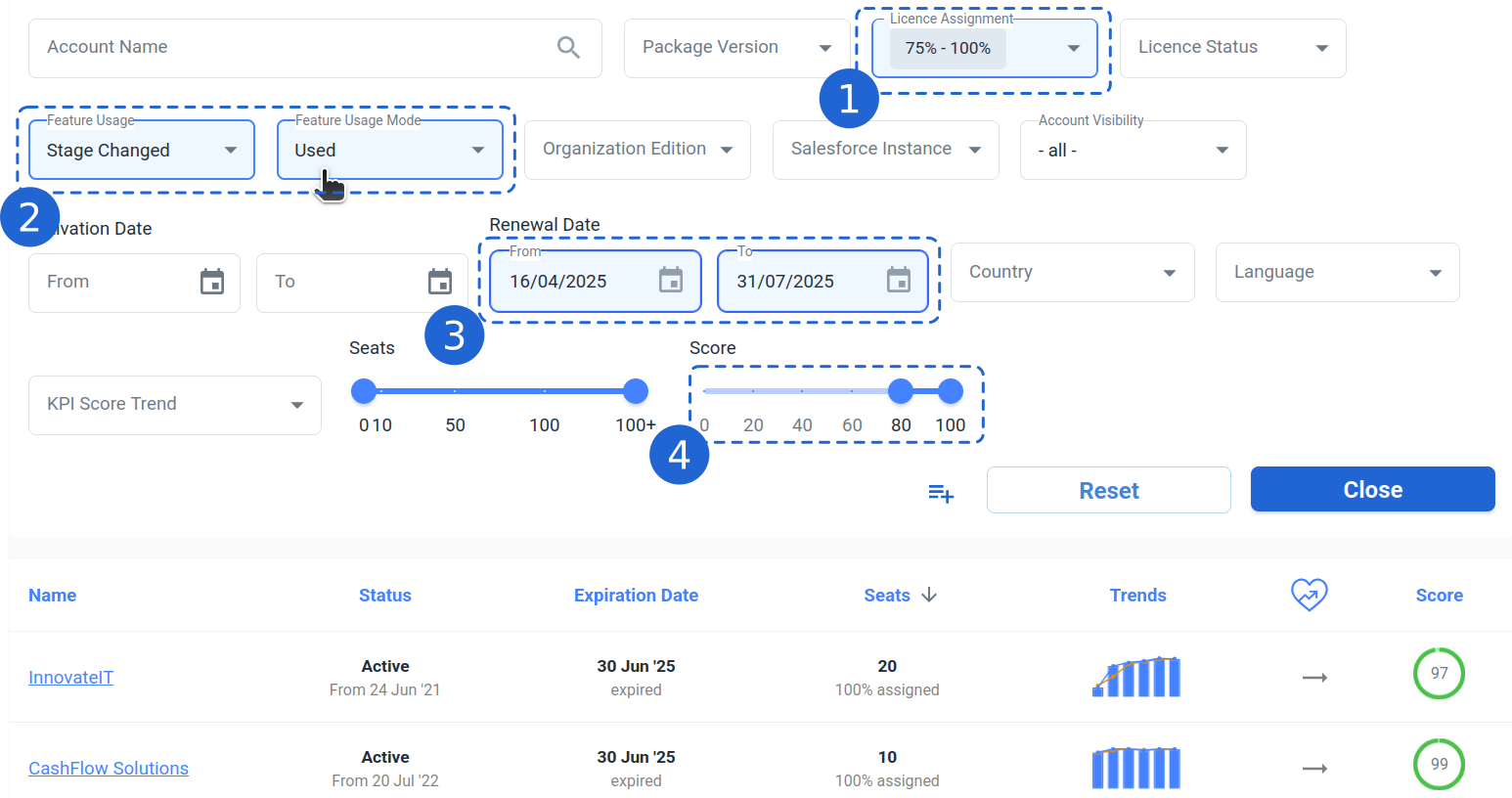
Prerequisites: Ensure sure you have setup the features. Also, we need to make sure a Health score is in place. With this preparation, let’s navigate to the Accounts Section in your Menu bar.
- Set Assignment filter to “75 – 100%” option.
- Choose an Advanced features from ‘Feature Usage’ dropdown. Set Feature Usage Mode to ‘Used’
- Select Renewal Date of upcoming 1 month. You may choose a longer window and start sharing educative material campaigns for better awareness.
- Select a Score range at 80 or above.
- Click on “Save View” for a single click access to same analysis in future.
Here you are! All the accounts ready for expansion into next phase – either the next Tier of Features, or expanded seats license.
Further enhance this list with Filters like Geography, Seat counts etc. For example, you can have lists like “Ready for Upgrade : USA Large A/cs”
Or, select KPI Score Trend to “Declining” to get a ready list “Ready for Upgrade : need support”
Thank you for reading. If you need support or face issue in implementing these steps, support is just a click away!